 EduDoc Vault
Sub-Plan Emergency System (Plug & Play)
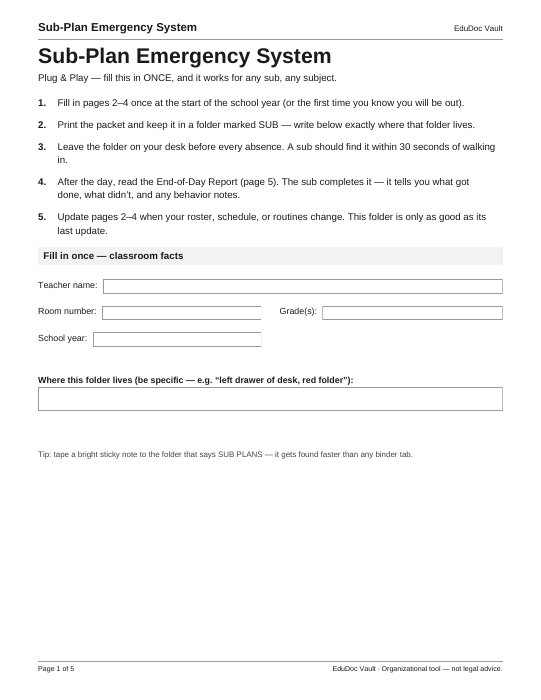
Built for classroom teachers who can't afford a lost day when illness or an emergency hits. You fill in the roster, schedule, routines, and emergency procedures once, keep the packet in a marked folder where a substitute finds it in 30 seconds, and the end-of-day report tells you exactly what happened while you were out.
What's inside
- Page 1 — Setup & classroom facts. Five-step instructions, your room details, and one critical field: exactly where the SUB folder lives, written down.
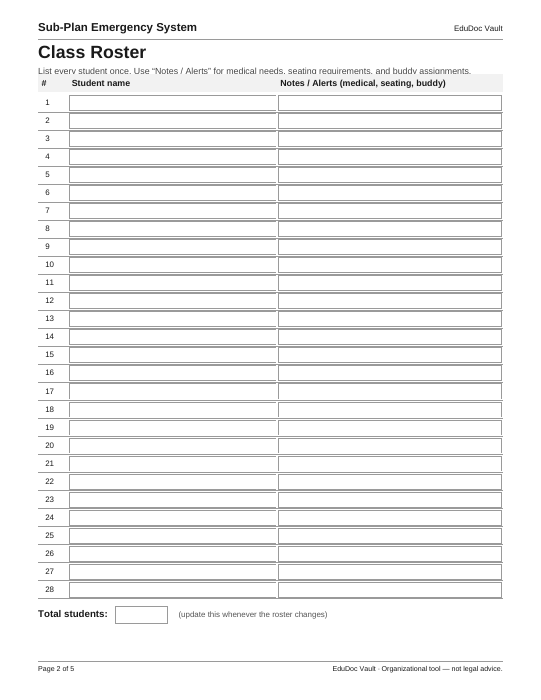
- Page 2 — Class roster with notes & alerts. 28 rows with space for medical needs, seating requirements, and buddy assignments — the things a sub must not learn the hard way.
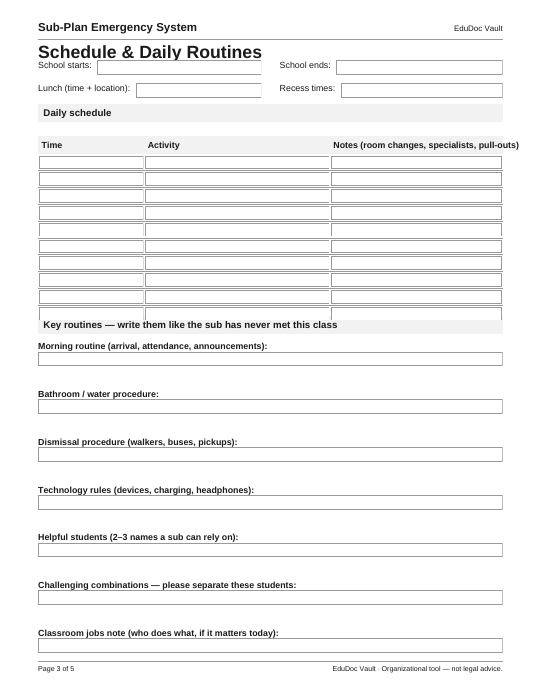
- Page 3 — Schedule & daily routines. Start/end times, lunch and recess, and the routines that keep the day on rails.
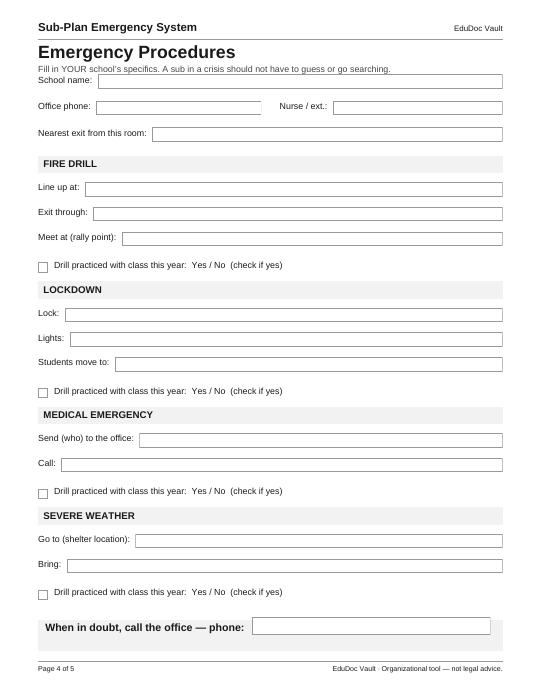
- Page 4 — Emergency procedures. Your school's specifics for fire drill, lockdown, medical emergency, and severe weather — rally points, exits, and who to call, so a sub never has to guess mid-crisis.
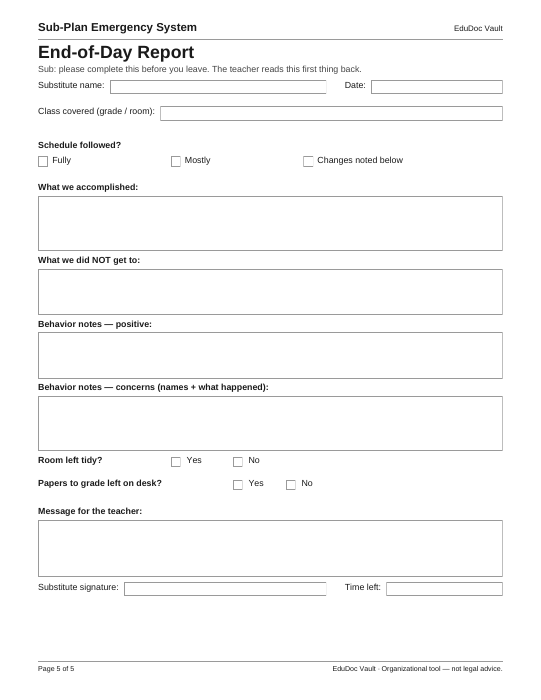
- Page 5 — End-of-day report. The substitute completes it before leaving: what got done, what didn't, behavior notes, and a message for you — the first thing you read when you're back.
Look inside — every page
These are the actual pages of the PDF you receive, rendered straight from the delivered file.
The old way vs. this toolkit
| Task | Paper & memory | With this toolkit |
|---|---|---|
| Writing sub plans | At 5:40 a.m., sick, from scratch | Filled in once at the start of the year; leave the folder and go |
| What the sub knows | Whatever fits in a rushed note | Roster alerts, schedule, routines, and emergency steps in one packet |
| An emergency mid-day | The sub searches for procedures | Fire, lockdown, medical, and weather steps printed on page 4 |
| Finding out how the day went | Asking around, or never knowing | A completed end-of-day report on your desk when you return |
| Keeping plans current | Rewriting the whole document | Update only the roster, schedule, or procedure page that changed |
Questions about this toolkit
How long does it take to set up?
Most teachers complete pages 2–4 in one sitting at the start of the school year. After that, you only touch the page that changed — a roster swap, a new schedule, a moved rally point.
What does the substitute actually receive?
The printed five-page packet from the folder you designate on page 1. It is written to be self-explanatory: roster and alerts first, then the schedule and routines, then emergency procedures, and the report page they complete at the end of the day.
I teach several classes. Do I need more than one?
Fill in one packet per room or class — the roster, schedule, and emergency pages are per-class by design. One purchase covers duplicating the packet for your own classes.
Does the emergency page replace our school's official procedures?
No. You transcribe your school's own procedures into it so the substitute has them in hand — check your district's requirements and your building's current emergency plan when you fill it in. This system is an organizational tool, not legal advice.